
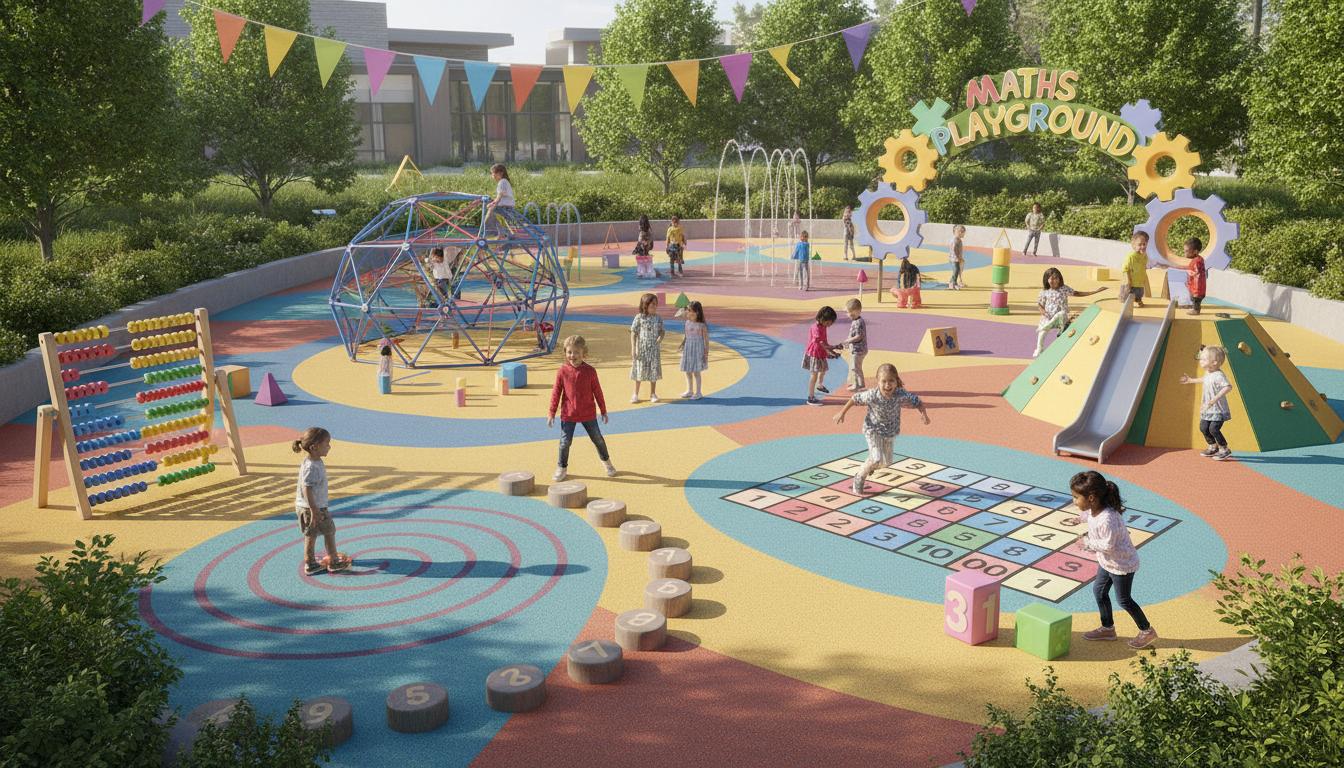
When maths feels like play, tamariki stick with it longer, try harder problems, and remember more. A maths playground turns drills into discovery—online and off—so children build number sense with curiosity intact. This guide explains what a maths playground is, how it works, the best types for Aotearoa New Zealand classrooms and homes, and how to choose tools that match the New Zealand Curriculum.
What is
A maths playground is any space—digital or physical—where learners explore mathematics through games, puzzles, and challenges instead of worksheets alone. It could be a website full of mini‑games, a set of logic puzzles on the kitchen table, or a class corner with dice, geoboards, and pattern blocks.
The idea is simple: give students meaningful problems, quick feedback, and room to try, fail, and try again. In New Zealand, a good maths playground connects to strands across the New Zealand Curriculum (Number and Algebra; Geometry and Measurement; Statistics) while keeping the tone light and the thinking deep.
Note: “Math Playground” is also the name of a popular international website. In this article, “maths playground” means the wider concept. We include that site among examples, alongside options better aligned to NZ classrooms.
How it works
Maths playgrounds use design elements that make learning stick:
- Immediate feedback: See right away if an idea works, then adjust.
- Small, repeatable challenges: Short rounds encourage many attempts and steady improvement.
- Adaptive difficulty: Some platforms nudge problems up or down based on performance.
- Visual models: Number lines, arrays, bar charts, and dynamic geometry make abstract ideas concrete.
- Choice and agency: Learners pick puzzles or paths, which boosts motivation.
- Low stakes, high thinking: No big tests—just playful problem solving.
For kaiako, the appeal is twofold: students get engaged practice, and teachers get insights. Many tools track progress by skill, so you can spot gaps in multiplicative thinking, fractions, place value, or reasoning. Used well, a maths playground complements rich classroom tasks, strand progressions, and mixed‑ability grouping common in NZ schools.
Types / examples
Digital maths playgrounds
- Math Playground: Quick mini‑games and logic puzzles; great for warm‑ups and practice.
- NZMaths e‑ako: Interactive learning pathways built for the NZ curriculum; strong conceptual focus.
- Mathletics: Structured courses with games, fluency practice, and teacher dashboards.
- Khan Academy / Khan Academy Kids: Free, sequenced lessons and practice; strong explanations.
- Mangahigh: Game‑based challenges with adaptive difficulty, including data for teachers.
- Transum: Starters, puzzles, and investigations; especially good for quick challenges.
Hands‑on maths playgrounds (no screens)
- Board and card games: Yahtzee (probability), Prime Climb (number), Set (patterns), 24 (number fluency).
- Manipulatives: Base‑ten blocks, Cuisenaire rods, geoboards, tangrams, fraction tiles.
- Rich tasks and puzzles: NRICH problems, KenKen, nonograms, pentomino challenges.
- Everyday maths: Cooking with fractions, budgeting a school trip, measuring a garden plot.
Quick comparison of popular platforms for NZ classrooms
| Platform | Typical years (NZ) | Cost model | NZC alignment | Best for | Notes |
|---|---|---|---|---|---|
| Math Playground | Years 2–8 | Free (ads); premium options vary | General skills; not NZ‑specific | Fast practice, logic games | Check ads and content fit; use for short bursts |
| NZMaths e‑ako | Primary–lower secondary | Free | Built for NZ Curriculum | Concept development, progressions | Great for kaiako to anchor units and home learning |
| Mathletics | Primary–lower secondary | School/parent subscription | ANZ curricula | Fluency, homework, reports | Popular in NZ; strong teacher tools |
| Khan Academy | Years 1–13 | Free | Global alignment; map to NZ strands | Explanations, mastery practice | Clear videos; good for catch‑up and extension |
| Mangahigh | Upper primary–lower secondary | School subscription | Broad alignment; adaptable | Adaptive games, competitions | Motivating for reluctant learners |
Pros and cons
Benefits of a maths playground
- Engagement: Games lower anxiety and invite exploration.
- Fluency with meaning: Repetition happens naturally inside purposeful tasks.
- Immediate feedback: Learners adjust without waiting for marking.
- Flexible access: Works for short warm‑ups, homework, or catch‑up.
- Data for teaching: Dashboards can inform grouping and next steps.
- Equity of entry: Visual and interactive tasks help multilingual learners.
Potential drawbacks
- Screen time creep: Fun can stretch beyond useful learning minutes.
- Shallow play: Some games test speed, not understanding.
- Ads or in‑app messaging: Can distract; check appropriateness.
- Misalignment: Overseas tools may not match NZ progressions.
- Data privacy: Confirm storage and compliance with the Privacy Act 2020.
- Not a silver bullet: Games support, but do not replace, rich discussion and teacher guidance.
How to use or choose
Step‑by‑step: setting up a maths playground that works
- Define the purpose: fluency, concept building, problem solving, or enrichment.
- Match to the NZ Curriculum: check which strand and level the tool targets.
- Trial with a small group: watch for engagement, misconceptions, and fit.
- Set clear routines: time limits, goals, and reflection prompts.
- Blend with hands‑on: pair screen tasks with manipulatives and talk.
- Use data wisely: reteach where needed; celebrate progress, not just points.
- Check privacy and safety: review accounts, data storage, and ad settings.
- Involve whānau: share simple games and ways to help at home.
What to look for when choosing a digital maths playground
- Clear learning goals: statements that map to Number, Algebra, Measurement, Geometry, or Statistics.
- Concept before speed: visual models and strategies, not only timed drills.
- Adaptive practice: difficulty that moves with the learner.
- Teacher controls: assign tasks, see progress, and set guardrails.
- Accessibility: works on Chromebooks, tablets, and low bandwidth where possible.
- Privacy: complies with NZ expectations; minimal personal data; options to turn off social features.
- Support for diverse learners: audio prompts, language scaffolds, and multiple representations.
Practical classroom ideas
- Warm‑ups: 5–8 minute daily game linked to the current unit.
- Choice boards: mix digital puzzles with offline tasks (e.g., fraction tiles + an online fraction game).
- Maths club: weekly logic and puzzle sessions using NRICH, Transum, and board games.
- Inquiry link: use statistics games, then run a real class survey and compare results.
- Student leaders: tuakana‑teina pairs where older students coach younger ones.
Easy home routines
- Short sessions: 10–15 minutes, three times a week beats one long session.
- Talk maths: ask “How did you know?” rather than giving the answer.
- Rotate games: one digital, one card/board game, one real‑life task (e.g., cooking ratios).
- Celebrate strategies: praise flexible thinking, not speed alone.
FAQ
What exactly is a maths playground?
It is a space—online or physical—where children learn maths through games, puzzles, and challenges. The focus is exploration and feedback, not just worksheets.
Is the Math Playground website good for NZ learners?
It offers quick, engaging games and logic puzzles. Use it for short practice and problem solving, and pair it with NZ‑aligned tools (e.g., NZMaths e‑ako) for conceptual depth and curriculum fit.
How much screen time is appropriate?
For school‑age children, short targeted blocks work best—about 10–20 minutes for a warm‑up, or up to 30 minutes for a focused session. Balance with hands‑on tasks and discussion.
What ages benefit from a maths playground?
All ages, with the right tasks. In primary, it builds number sense and strategies. In secondary, it supports algebraic thinking, geometry, and statistics through puzzles, dynamic graphs, and simulations.
Do I need a paid subscription?
No. Many high‑quality options are free (e.g., NZMaths e‑ako, Khan Academy). Paid tools can add structure and teacher dashboards. Start with free, then add paid if it fills a clear need.
How do I keep it aligned to the New Zealand Curriculum?
Pick tasks by strand and level, connect games to your current unit, and use reflection questions that name the strategy or model used (arrays, number lines, bar models, nets, etc.).
What about privacy and data in New Zealand?
Choose tools that minimise personal data and state where data is stored. Check they align with the Privacy Act 2020. For younger students, avoid social features and in‑game chat.
How do I help a reluctant learner?
Start with puzzles they can solve in under two minutes, celebrate strategies, and build up. Use visual, low‑threat tasks and give choice. Pair with a peer tutor for confidence.
Can a maths playground work offline?
Yes. Board games, card games, manipulatives, and real‑world problems are powerful. Use digital tools for targeted practice, but keep hands‑on tasks at the centre.
Bringing it all together
A well‑chosen maths playground blends short, engaging practice with rich, visual thinking. In Aotearoa New Zealand, the winning recipe is simple: align to the curriculum, keep sessions short, mix digital and hands‑on, and make talk part of every task. Do that, and maths shifts from something to get through to something to play with—and master.