
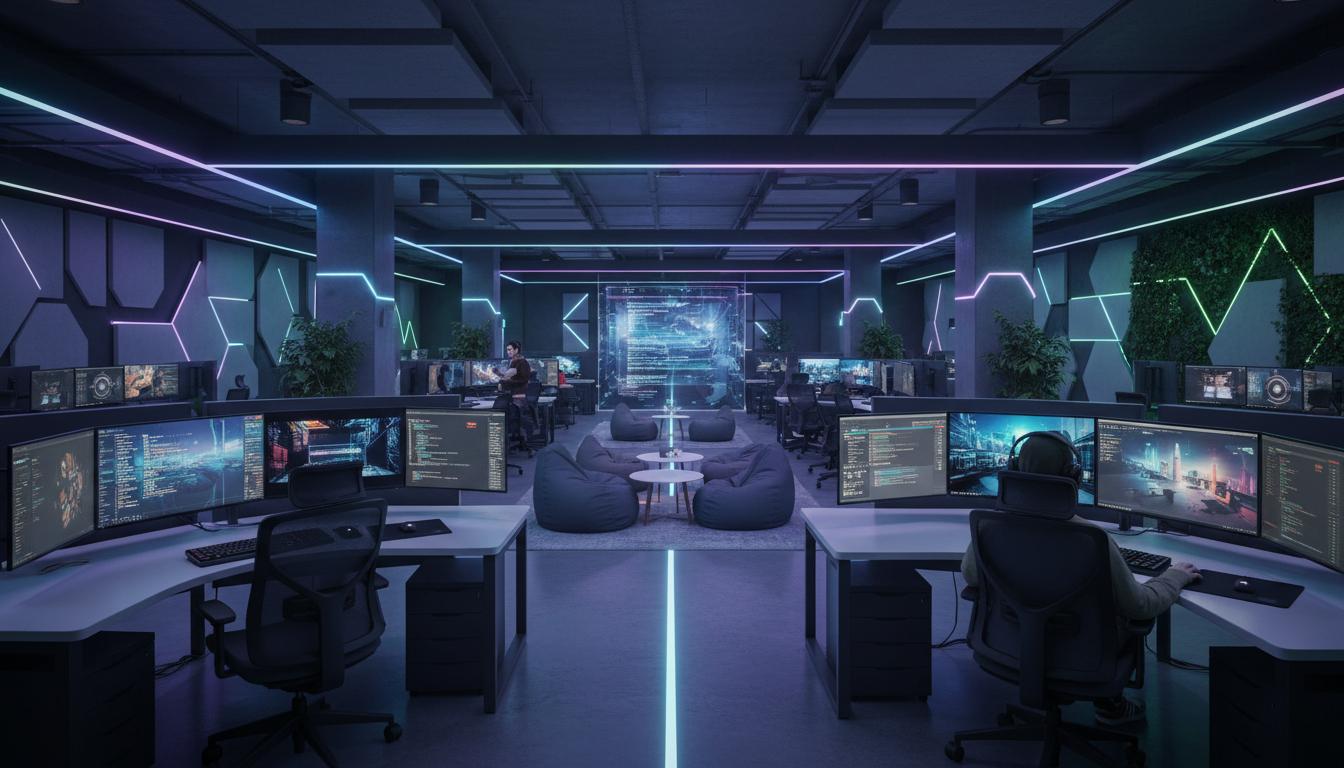
Walk through any Kiwi city and you’ll spot the glow: rows of monitors, quiet concentration, the occasional whoop after a clutch win. That’s a computer lounge—part social space, part productivity hub, and firmly wired into New Zealand’s digital life. This guide breaks down what a computer lounge is, how these spaces operate, the different types you’ll find across Aotearoa, and how to pick the right one (or build your own) without wasting time or money.
Along the way, you’ll see where a computer lounge shines, where it doesn’t, what to expect on price and gear, and NZ-specific tips around internet, access, and consumer rights.
What is
A computer lounge is a shared space with ready-to-use computers and fast internet, set up for gaming, study, content creation, or general browsing. You pay by the hour or use it for free in some public venues, and the equipment, software, and network are maintained for you.
In New Zealand, the phrase “computer lounge” commonly means:
- A public gaming lounge or LAN café offering high-spec PCs, peripherals, and esports events.
- A study or digital hub inside libraries, schools, universities, and community centres.
- A home setup designed as a lounge-like tech space for family, gaming, and work.
Note: in NZ, “Computer Lounge” is also the name of a specialist PC retailer. If you’re searching to shop rather than to find a venue, check the store’s official website. This guide focuses on the space/venue concept, with practical pointers for Kiwis.
How it works
Access and booking
- Walk-in sessions are common in city centres; peak times (after school and weekends) may require booking.
- Some lounges run membership systems with discounted hourly rates, session bundles, or tournament passes.
- Libraries and campuses often provide free access for study, usually with sign-in via library card or student ID.
Hardware and peripherals
- Gaming lounges: mid-to-high-tier CPUs/GPUs, 16–32 GB RAM, fast NVMe storage, 144–240 Hz monitors, mechanical keyboards, and gaming mice.
- Study lounges: reliable desktops or thin clients, office suites, printers, and assistive tech (screen readers, large-format displays) where available.
- Creator corners: some venues add microphones, webcams, dual monitors, and basic audio interfaces for streaming or content work.
Software and accounts
- Preinstalled game libraries, launchers, and productivity tools. Licences are managed by the lounge.
- You’ll usually log into your own game accounts for cloud saves and ownership. Always log out before you leave.
- Public institutions often restrict software installs but provide browser access, office apps, and printing.
Network, speed, and security
- Most NZ computer lounges run fibre-backed connections (UFB), often gigabit or higher, with wired LAN to reduce latency.
- Session software resets PCs to a clean state after use, protecting your privacy and the next user’s experience.
- Content filters may apply, especially in schools and libraries, to meet safety and classification obligations.
Pricing and payment
- Gaming lounges: expect hourly pricing, with discounts for off-peak blocks or memberships. Snacks and drinks are extra.
- Public libraries: free sessions, sometimes capped (e.g., 30–120 minutes) to share access fairly.
- NZ payments: EFTPOS and PayWave are standard. Some venues accept online bookings, gift cards, or student rates.
Events and community
- Esports nights, LAN parties, and casual competitions keep things social and skill-focused.
- Tech workshops in community spaces cover digital basics, coding, and job skills.
NZ-specific notes
- Consumer Guarantees Act (CGA) protects you when buying time or gear; services must be provided with reasonable care and skill.
- Pricing in NZ should be GST-inclusive; check receipts and posted rates.
- Game classification and age restrictions apply. Expect ID checks for age-restricted content.
Types / examples
Gaming computer lounge (LAN café)
Purpose-built for PC gaming and esports. You get powerful rigs, responsive monitors, voice-enabled headsets, and stable fibre. Great for friends meeting up, trying new titles before building a PC, or competing with low latency.
University or school computer lounge
Study-first spaces with productivity software and printing. Access may be restricted to enrolled students or staff, and content filters are common. Ideal for assignments, research, and group projects.
Public library digital hub
Free or low-cost access for all residents. Useful for CVs, job applications, scanning, and basic browsing. Some libraries also run workshops and offer bookable meeting rooms.
Co-working or tech hub
Designed for freelancers and startups. Expect desks, meeting pods, and reliable networking. BYO laptop is typical, though some provide communal desktops or hot desks with monitors.
Home computer lounge
A comfortable, shared setup for family gaming, streaming, schoolwork, and remote work. You tune the gear to your needs and keep costs predictable over time.
Comparison of common computer lounge options in NZ
| Type | Best for | Typical cost | Gear & speed | Pros | Cons |
|---|---|---|---|---|---|
| Gaming computer lounge | Esports, new titles, social play | Hourly; memberships reduce cost | High-spec PCs, 144–240 Hz, gigabit fibre | Top-tier gear, community, events | Costs add up; busy at peak times |
| University/school lounge | Study, research, group work | Included with enrolment | Office apps, printers, filtered internet | Quiet, free/low-cost, support staff | Access limits; gaming often restricted |
| Library digital hub | General access, job hunting | Free or small printing fees | Basic desktops, standard monitors | Open to everyone, community support | Time caps; limited software |
| Co-working tech space | Freelancers, startups | Monthly membership | Strong Wi‑Fi/LAN, meeting rooms | Networking, business amenities | Not focused on gaming; higher monthly cost |
| Home computer lounge | Families, remote work, steady gamers | Upfront build; low ongoing | Custom PC, your choice of peripherals | Always available, tailored, no hourly fees | Initial spend; you maintain everything |
Pros and cons
Benefits of a computer lounge
- Instant access to capable hardware and fast fibre without owning it.
- Social setting for esports, co-op games, and team projects.
- Try before you buy: test peripherals, monitors, and game performance.
- Support on hand—staff can help with setup, logins, or print jobs.
- Great for travellers, students, and anyone with limited home setup.
Limitations to weigh up
- Hourly rates add up; long sessions can cost more than owning a PC over time.
- Peak-time crowding and noise in gaming-focused venues.
- Account security risks if you forget to log out or reuse passwords.
- Software restrictions in public or educational lounges.
- Availability varies outside major centres.
How to use or choose
Step-by-step: choosing the right computer lounge in NZ
- Define your goal: gaming, study, streaming, printing, or team work.
- Check location and hours: look for CBD access or transport links; note peak times.
- Assess hardware: refresh rate, GPU tier, peripherals, and seating comfort.
- Confirm network quality: wired options, ping to key game servers, bandwidth for uploads.
- Compare pricing: hourly vs blocks or memberships; ask about student/community rates.
- Review policies: age limits, content filters, booking, food/drink, and refund terms.
- Test a short session: bring your own headset or mouse to gauge fit and latency.
- Evaluate extras: events, coaching, printing, meeting rooms, accessibility features.
- Check safety and privacy: auto-wipe between users, password managers, secure logouts.
- Decide: weigh cost per hour against how often you’ll use it; consider a home setup if you’re a regular.
Setting up a simple home computer lounge
- Space and seating: choose an airy spot with adjustable chairs and good lighting.
- Core PC: aim for balanced CPU/GPU, 16–32 GB RAM, and fast storage; match your monitor’s refresh rate.
- Network: fibre 300 Mbps to gigabit suits gaming and streaming; wire key devices with Ethernet.
- Peripherals: reliable keyboard and mouse, a headset with a clear mic, and a webcam if you stream or meet online.
- Safety: surge protection, tidy cabling, and ventilation to keep temps steady.
- Family rules: separate user accounts, time limits for kids, and backups for schoolwork.
When your search means the retailer “Computer Lounge”
If your intent is to buy parts or a custom PC from a NZ specialist retailer called Computer Lounge, compare pricing, warranty terms, and delivery or click-and-collect options. Under the CGA, products must be of acceptable quality and services carried out with reasonable care and skill. Keep receipts and check GST-inclusive pricing.
FAQ
What’s the difference between a computer lounge and an internet café?
In NZ, an internet café often means basic browsing and printing. A computer lounge, especially a gaming lounge, focuses on high-performance PCs, peripherals, and esports—though the terms sometimes overlap.
How much does a gaming computer lounge cost in New Zealand?
Expect hourly pricing, with cheaper block bookings or memberships. Peak times can be pricier. Public libraries and campus lounges are typically free, with time caps.
Can I bring my own peripherals?
Usually yes—many gamers bring their own mouse, keyboard, or headset for comfort and hygiene. Ask staff before plugging in devices and remember to take them when you leave.
What specs should I look for in a computer lounge?
For smooth competitive play, look for 144–240 Hz monitors, modern GPUs and CPUs, 16–32 GB RAM, and wired Ethernet. For study, prioritise comfort, quiet spaces, and printing access.
Is my data safe on shared PCs?
Good lounges reset PCs between sessions, clearing files and logins. Still, use unique passwords, enable two-factor authentication, log out of launchers and browsers, and avoid saving payment info.
Are there age limits?
Some gaming lounges apply age restrictions or supervise younger users, especially for titles with higher classifications. Libraries and schools have their own access policies.
Can I install my own software or mods?
Generally no, unless the lounge provides a sandboxed way to load mods. Public institutions restrict installs. Bring portable versions on a USB only if permitted and scanned for security.
Is streaming allowed from a computer lounge?
Many gaming lounges permit it if bandwidth and house rules allow. Ask about microphones, webcams, and policies on recording others before you go live.
What internet speeds do NZ computer lounges use?
Most urban venues run UFB fibre with high bandwidth and wired LAN. Latency (ping) matters more for competitive play; ask staff for typical pings to your game’s servers.
What if I plan to visit often—should I build a home computer lounge?
If you’re a regular, a home computer lounge can be cheaper long-term and perfectly tailored. If you play casually or value events and community, a public computer lounge stays a great option.